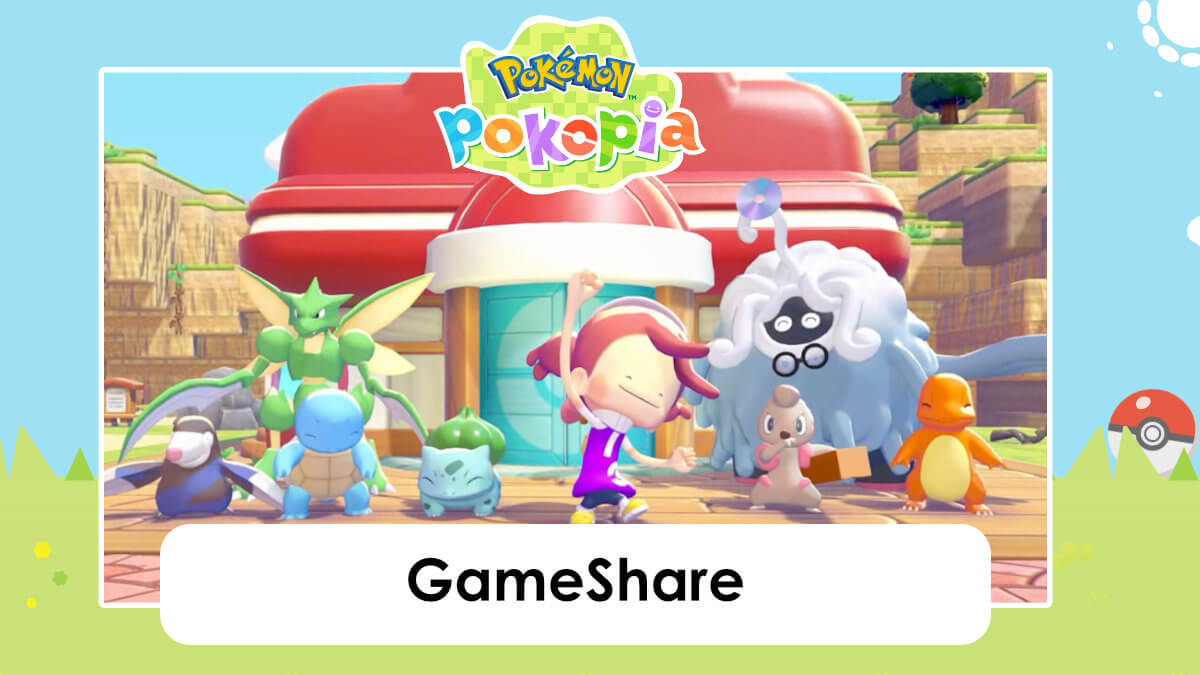
GameShare is a feature of the Nintendo Switch 2 that allows players without a copy of a game to still play together. Pokémon Pokopia luckily supports this feature and allows a player with a copy of the game to play with others who have a Nintendo Switch or a Nintendo Switch 2. That’s right — even though this is a Nintendo Switch 2 game, you can play with a friend who has a Nintendo Switch.
Nintendo Switch systems can have the game shared to them when in-person, however Nintendo Switch 2 systems can have the game shared online via GameChat.
How to unlock GameShare
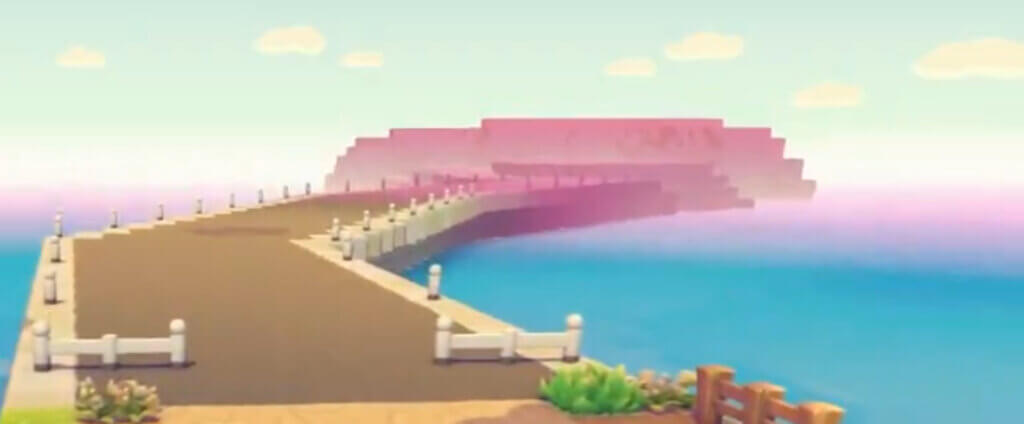
After reaching Environment Level 2, you will be able to unlock Link Play (multiplayer), as well as GameShare functionality. You can travel left from the Pokémon Center in the starting area and you’ll be able to see an island off in the distance.
Use blocks to cross the short water gap and head down the bridge to the island pictured above. Repair the PC there and you’ll be able to access the multiplayer menu, which includes GameShare.
GameShare limitations
When using GameShare with friends, you’ll be limited to exploring that island. There is no ability for your friends to help you in the story mode.